
12.12 Sale Ads: A Google Shopping Setup Checklist for Bangladeshi Stores
Pujan Kumar Saha · · 9 min read · Updated
Key takeaways
- Before planning Shopping ads, check in Merchant Center under Business info, then Countries, that Bangladesh and your currency are accepted; Google lists Bangladesh with a marker and currency support is unclear.
- Start in November: verify the website, add shipping and returns, upload a feed that meets the product data specification and fix disapprovals before December.
- Keep the regular price and add sale_price with sale_price_effective_date so 12.12 discounts switch on and off automatically, matching the website.
- For a first sale, a Standard Shopping campaign on your best products launched a week early is safer than Performance Max without conversion history; judge results per delivered order.
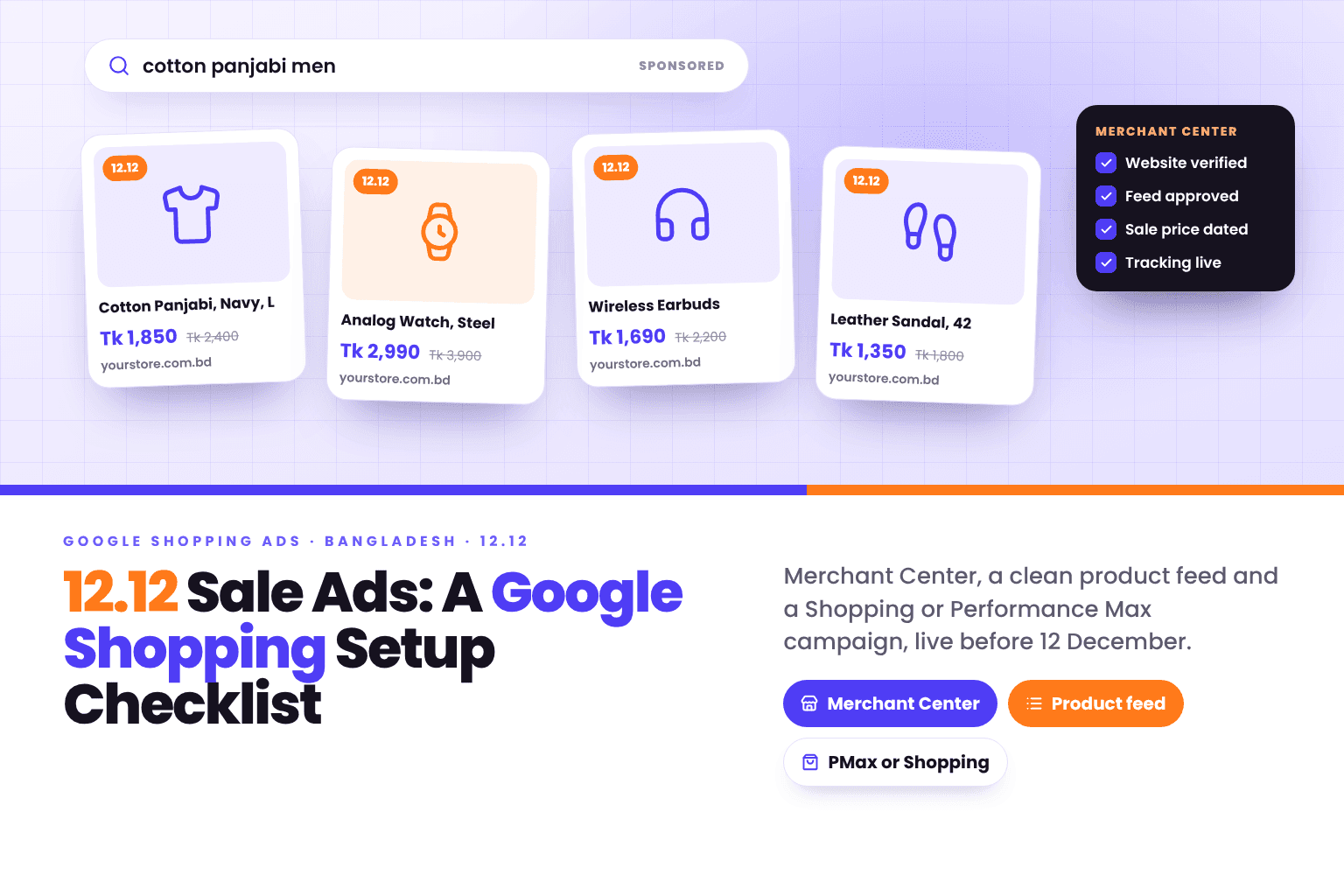
The short answer: to run Google Shopping ads for 12.12, set up and verify Google Merchant Center, check that Bangladesh and your currency are allowed in your account, upload a clean product feed with sale prices that match your site, then launch a Standard Shopping or Performance Max campaign with conversion tracking at least a week before 12 December. Feed approval takes days, so start now, not on 10 December.
Every year I see Bangladeshi stores try to "turn on Shopping ads" the week of a big sale and discover that the feed is rejected, the website is not verified or the prices do not match. By then the sale is over. This checklist is the paid side of a sale season, built for 12.12. If you want the organic side, our one-week SEO fixes we wrote for 11.11 still apply to your sale pages.
Can Bangladeshi Stores Run Google Shopping Ads?
Check this first, because it decides everything else. Google's own help page on unsupported countries lists Bangladesh among the target countries for Shopping ads and free listings, but with a marker next to it, and Google also runs beta countries for Shopping ads and free listings with extra conditions. A Bangladeshi Merchant Center guide reported in 2026 that BDT did not appear on Google's supported currencies page, and I could not confirm the current status from here.
So do not trust a blog post on this, including mine. In Merchant Center, open Settings, then Business info, then Countries, and try to add Bangladesh. Google's page on supported languages and currencies says to use a currency supported for your target country, and that other currencies may work through currency conversion. If your account will not accept Bangladesh or BDT, stop and plan a Search campaign instead; our guide to running a small Google Ads Search campaign covers that route.
Your Countdown to 12.12
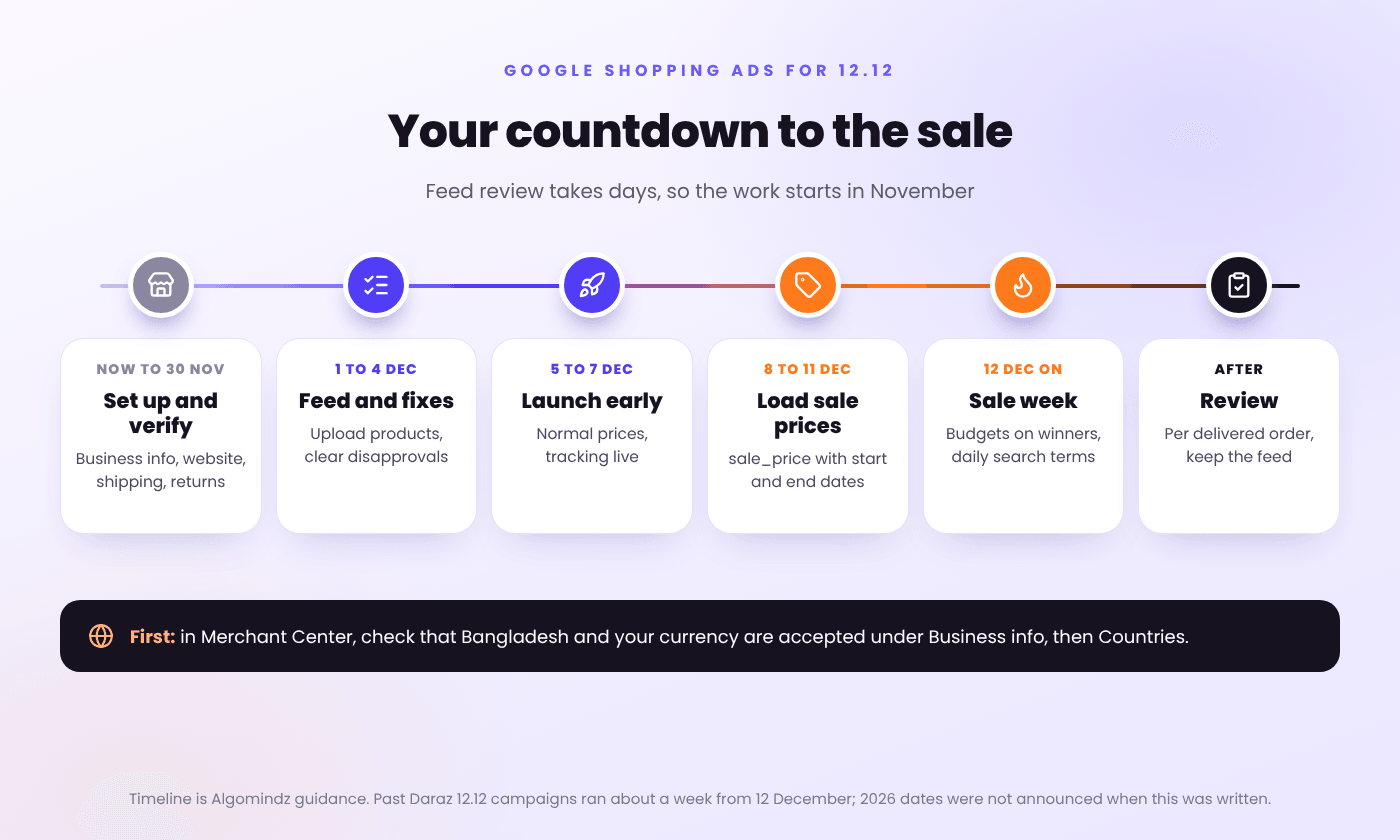
Daraz's past 12.12 campaigns in Bangladesh ran as a grand year-end sale over about a week from 12 December, and shoppers now expect deals across the whole period. I could not find announced dates for 2026, so plan around 12 December and the days after it. Work backwards:
| When | Task | Why then |
|---|---|---|
| Now to 30 Nov | Create and verify Merchant Center, add business info, shipping and returns | Verification and review can take days |
| 1 to 4 Dec | Upload the feed, fix every disapproval | Rejected products need time to be re-reviewed |
| 5 to 7 Dec | Launch the campaign at normal prices with tracking live | Gives the campaign data before the sale |
| 8 to 11 Dec | Load sale prices with start and end dates, test the sale page | Prices go live automatically on 12 Dec |
| 12 Dec onward | Raise budgets on products that convert, watch search terms daily | The sale week |
| After the sale | Return budgets to normal, review per delivered order | Keep what worked, cut what did not |
Step 1: Set Up and Verify Merchant Center
Merchant Center is where your products live; Google Ads only shows them. Create the account with the same business name customers see on your site, then complete business info: address, customer service phone and email, and your website.
Verify and claim your website. On WordPress or Shopify this is usually a meta tag or a Google Tag Manager or Analytics connection. Add shipping settings for the areas you deliver to, with the real delivery charges for inside and outside Dhaka, and add your return policy. Google's retailer guidance for Performance Max lists business details, a verified and claimed website, shipping settings and a full product feed as prerequisites, then a link between Merchant Center and Google Ads.
Shoppers and reviewers both look for who is behind the store. If your site does not yet show your trade license, DBID, address, phone and return policy, fix that first; our guide to the identity and policy details a Bangladeshi store should display lists them.
Step 2: Build a Clean Product Feed
The feed is a list of your products with fixed fields. You can upload a Google Sheet, a file, or connect Shopify or WooCommerce through a plugin or app. Google's product data specification sets the rules. The fields that matter most:
| Attribute | Rule | Common Bangladeshi mistake |
|---|---|---|
| id | Unique, max 50 characters | Changing IDs between uploads, which resets history |
| title | Max 150 characters | "Best offer!!" instead of brand, product, size, colour |
| description | Up to 5,000 characters; Google suggests about 500 to 1,000 | Copying the same text across variants |
| link | The product page, not an interstitial | Linking to a Facebook post or the homepage |
| image_link | The main product image | Images with price text, logos or watermarks over the product |
| price, availability | Required, must match the page | Price on the site different from the feed |
| brand | Required for new products, with some exceptions | Leaving it blank for own-brand goods |
| gtin or mpn | GTIN where the manufacturer assigned one, otherwise MPN | Inventing barcodes |
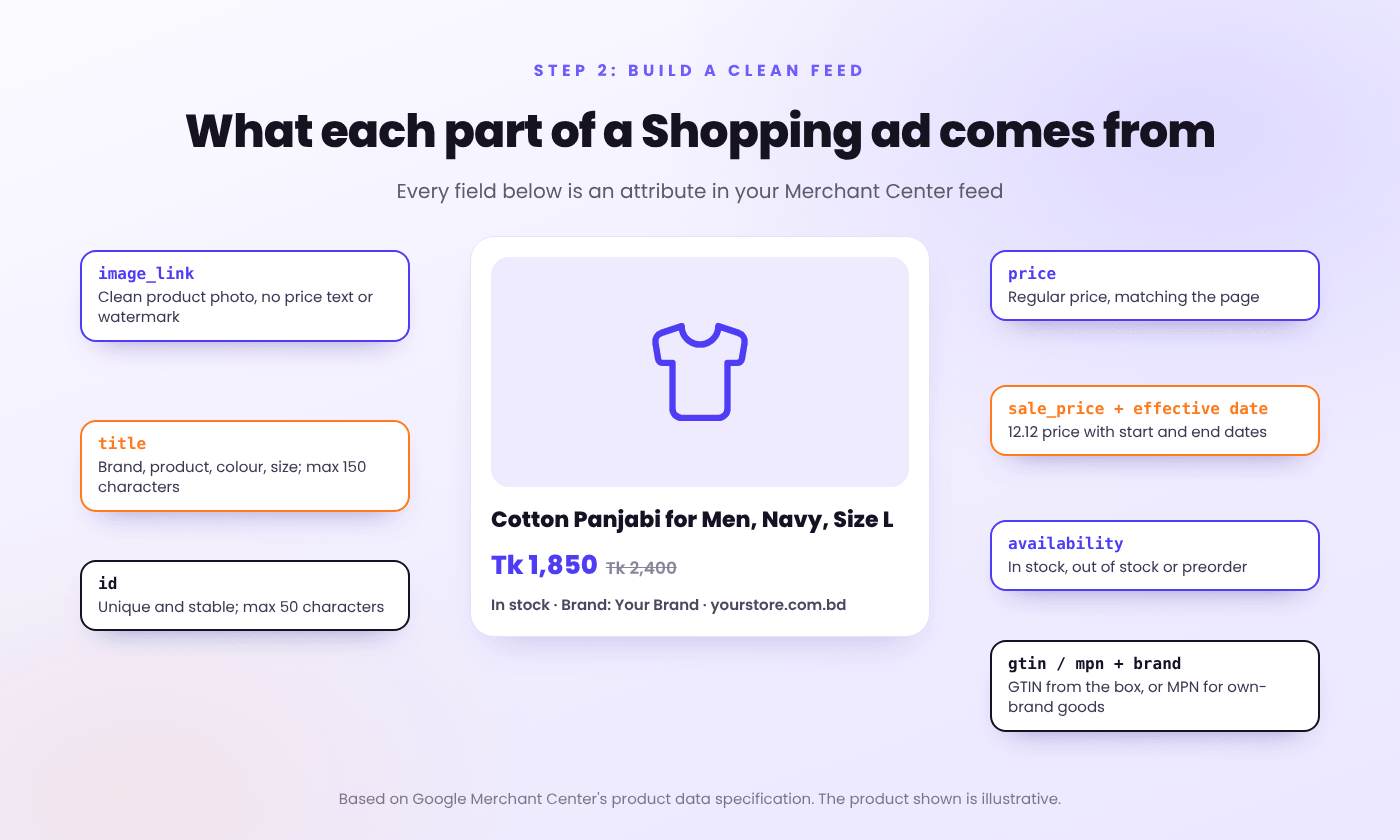
Google says that if you do not submit a required attribute, the product will not be able to serve in ads and free listings, and missing recommended attributes can make products show less often. Write titles the way people search: "Cotton Panjabi for Men, Navy, Size L" beats "Eid Special Panjabi".
Step 3: Prices, Sale Prices and Currency
Price mismatches are the most common reason sale products get disapproved. The price in the feed must match the price a shopper sees on the landing page, in the same currency, at the same time.
For 12.12, do not overwrite your normal price. Keep price as the regular price and add sale_price with sale_price_effective_date, so the discount switches on and off automatically on the dates you set. Your website must show the same sale price during the same window, or the product gets flagged.
Check stock the night before. A product listed "in stock" that sells out at 1 a.m. on 12 December still costs you clicks. If your platform cannot update availability automatically, update the feed manually twice a day during the sale and pause the products you cannot ship within your stated delivery time.
Common Feed Disapprovals and How to Fix Them
Most first feeds come back with warnings. Open the Products section in Merchant Center, sort by issue and fix the ones that affect the most products first. The ones I see most often on Bangladeshi stores:
- Price mismatch. The site shows a different price from the feed, often because of a theme that adds VAT or a hidden discount. Make both match exactly.
- Missing or wrong identifiers. Branded electronics need the real GTIN from the box. For own-brand or handmade goods, leave GTIN empty and use MPN and brand.
- Image problems. Promotional text, borders or watermarks on the main image. Keep a clean product photo as the main image and put lifestyle shots in additional images.
- Unavailable landing page. Product URLs that redirect, need a login or break on mobile.
- Policy issues. Restricted categories such as medicines and some health products. Check the policy before you include them.
Fix, then request a re-review. Each round can take time, which is why the countdown starts in November.
Step 4: Standard Shopping or Performance Max?
Once the feed is approved, you choose the campaign type. Both use the same Merchant Center feed.
| Standard Shopping | Performance Max | |
|---|---|---|
| Where ads show | Shopping placements on Google Search and the Shopping tab | Shopping plus YouTube, Display, Gmail, Discover and Search |
| Control | You set product groups, bids and negatives | Google's automation decides most placements and bids |
| Needs | Feed, budget; conversions help | Feed, conversion tracking, assets such as images and text |
| Best for a first sale | Small catalogues, tight budgets, learning what sells | Stores with tracked conversion history and creative assets |
Google's own retailer guide suggests you run an experiment rather than assume Performance Max will win, and keep the structure simple when you start. My advice for a store's first sale season: one Standard Shopping campaign for your best 20 to 50 products, launched a week early, and Performance Max only if you already have conversions tracked.
Step 5: Tracking and Budget for the Sale Week
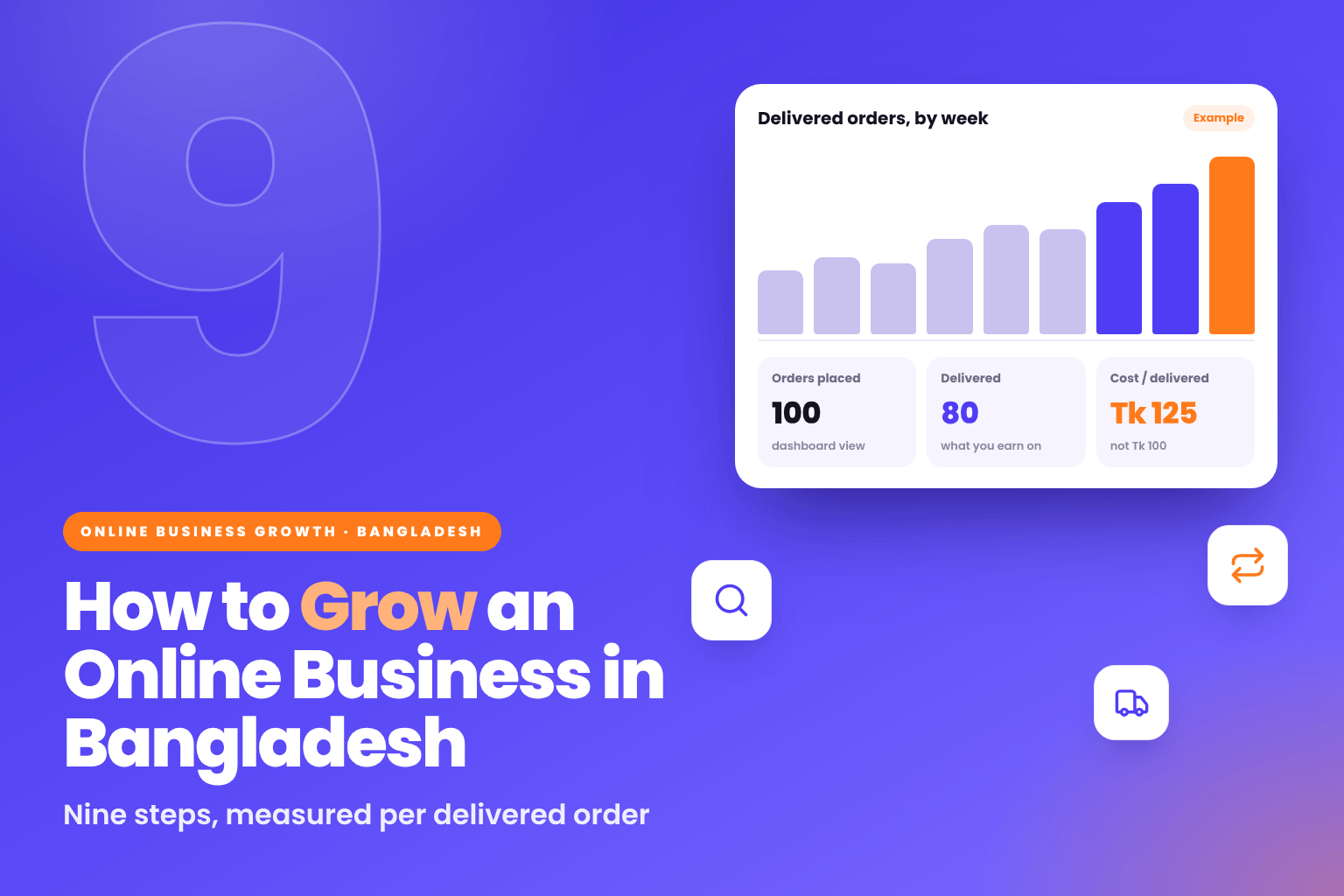
Install Google Ads conversion tracking on the order confirmation page before you launch, and test it with a real order. In a cash-on-delivery market, a tracked "order placed" is not a sale. The Bangladesh Bureau of Statistics survey reported in 2026 found that 86.8% of online shoppers pay cash on delivery, so some tracked orders will be refused at the door. Judge Shopping ads on cost per delivered order, as our guide to growing an online store on delivered orders explains.
Set a daily budget you can afford for the whole sale week, and remember that Google Ads in Bangladesh carries 15% VAT on top, as covered in our small-budget guide. Raise budgets in steps on products that are converting, not on the whole catalogue. Check the search terms report every day and add negatives for searches that do not match what you sell.
Step 6: Make the Landing Pages Match
A Shopping click lands on the product page, so that page closes the sale. Show the sale price, the regular price crossed out, the delivery charge for inside and outside Dhaka, the delivery time and the return policy above the fold on a phone.
Keep cash on delivery visible, and offer bKash or Nagad for buyers who want to pay first. A slow product page on mobile data wastes paid clicks faster than anything else, so test it on a mid-range Android phone before the sale. If your checkout still asks for fifteen fields, our guide to a checkout built for cash on delivery shows a shorter flow.
After 12.12: What to Keep
Do not delete anything when the sale ends. The approved feed, verified account and conversion data are an asset for Pohela Boishakh, Eid and next year's 11.11. Remove sale prices on schedule, bring budgets back to normal and review results product by product.
Keep the products with a cost per delivered order below their margin running at a lower daily budget. Pause the rest, and look at why: price, images, title or a page that did not convert. Write down what you would change before the next sale, while you still remember it.
If you want help building the feed or running the campaign, our Google Shopping and search ads management covers Merchant Center setup, feed fixes and campaign management.
Want your feed approved and your Shopping campaign live before 12.12? Send us your store link and we will check what is missing, or see how we have run paid and organic campaigns for Bangladeshi brands.
Want more of our work in your Google results?
Frequently asked questions
Google's help pages list Bangladesh as a target country for Shopping ads and free listings, with a marker, and the currency situation is unclear. Check in your own Merchant Center under Business info, then Countries, before you plan a campaign. If Bangladesh or your currency is not accepted, use a Search campaign instead.
Comments
No comments yet. Be the first to share your thoughts.